
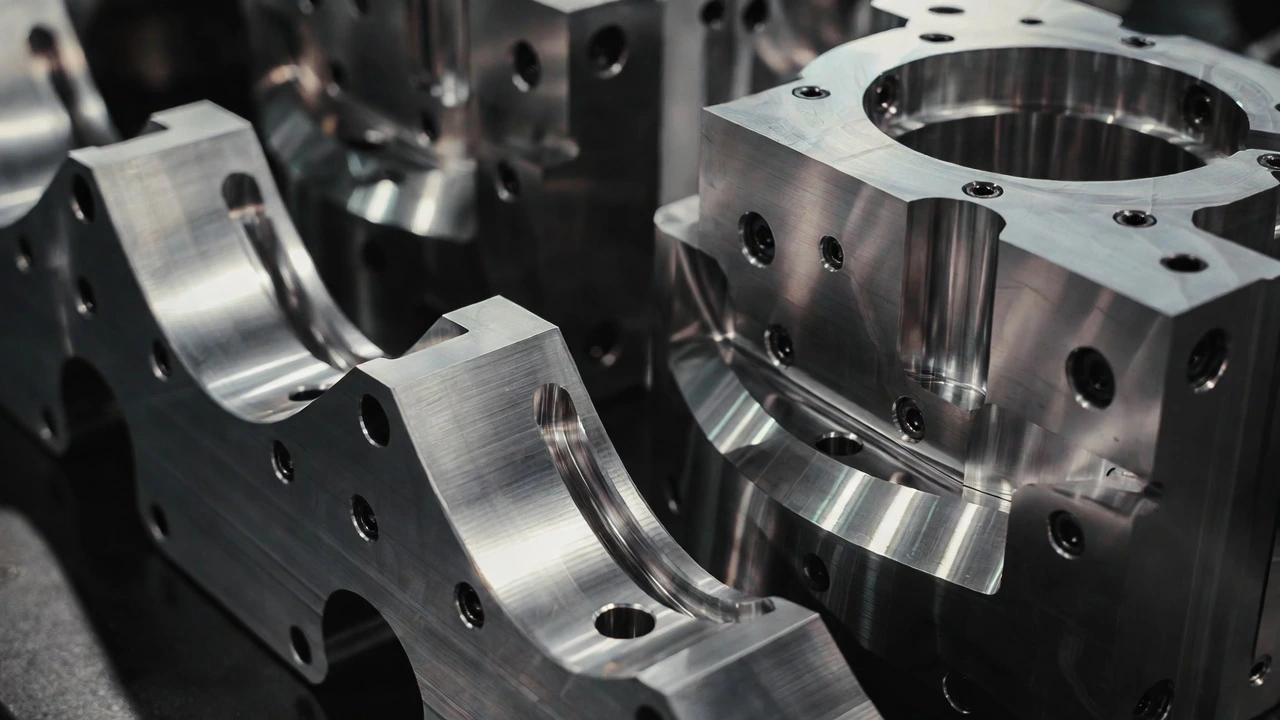
Let’s be honest: waiting days for a machine shop to return an RFQ is exhausting. But what’s even worse is finally getting that email, opening the PDF, and realizing the quote is completely blowing your project budget.
If you are routinely sourcing custom stainless steel CNC machining services, you already know the material isn’t cheap. Stainless is tough, it work-hardens, and it eats through cutting tools. But the raw material is rarely the reason your quote is sky-high. Usually, it comes down to how your CAD file is communicating with the quoting software.
Today, getting online CNC machining quotes for stainless steel is the fastest way to price out a project. You upload a STEP file, and within hours (or minutes), you have a number. But to get the best number, you need to understand what the algorithm—and the machinists reviewing it—are actually looking at.
Here are the three things driving up your costs behind the scenes, and how to tweak your design before you hit submit.
You’re over-specifying the material grade
I see this happen almost daily. An engineer designs a simple bracket or a non-critical enclosure and defaults the material to 316L stainless steel.
Unless your part is going onto a boat, entering a chemical processing plant, or being used in a medical device, you probably don’t need 316. 304 stainless steel is the workhorse of the industry. It has excellent corrosion resistance for 90% of applications, and more importantly, it has a significantly better machinability rating than 316 or specialized grades like 17-4 PH. By simply selecting 304 in the dropdown menu on an online quoting platform, you instantly reduce the machine time and tool wear factored into your price.
The tolerance trap
It is incredibly tempting to apply a blanket tight tolerance across your entire drawing just to be safe. But every time you specify a tolerance tighter than standard (like ± 0.01 mm), you are forcing the shop to do a few things:
Slow down the spindle and feed rates.
Perform multiple finishing passes.
Spend extra time taking the part to the CMM (Coordinate Measuring Machine) for strict quality control verification.
The fix? Only apply tight tolerances to the critical mating surfaces or bearing fits. Let the rest of the part default to standard ISO 2768-m tolerances. You’ll save a massive amount of money on inspection and machining time.
Ignoring the tool radius
CNC mills use round spinning tools to cut metal. If your 3D model features perfectly sharp internal corners inside a pocket, the machine physically cannot cut it.
When quoting software sees sharp internal corners in a tough material like stainless steel, it automatically assumes the shop will need to use electrical discharge machining (EDM) or extremely tiny, fragile end mills to clear out that corner. Both options are incredibly slow and expensive. Always add a radius to your internal corners. A good rule of thumb is to make the corner radius slightly larger than the tool size required to reach that depth.
Getting a quote that actually makes sense
The beauty of modern on-demand manufacturing is that you don’t have to figure all of this out in the dark.
When you use a platform that actually has real engineers backing it up, the process gets much easier. At , we don’t just spit out an automated number and hope for the best. Whenever you upload a file, our team runs a free Design for Manufacturability (DFM) review. If we see a deep pocket or an unnecessarily tight tolerance driving up your price, we flag it and offer a solution.
Whether you need a single prototype to test a concept or a low-volume production run, getting started shouldn’t be a hassle. You can explore our full range of to see our capabilities, or just securely upload your CAD files directly to our site. We run 24/7, meaning you’ll usually have a real, optimized quote back in your inbox within a few hours.
FAQs
Why is my stainless steel quote so much higher than my aluminum one?
I get asked this almost every day. It comes down to machine time and tool wear. Aluminum is basically like cutting butter—we can run the spindles at top speed. Stainless steel, especially grades like 316 or 17-4, is incredibly tough and tends to work-harden as we cut it. It eats our end mills for breakfast. We have to slow the machines down significantly to prevent breaking tools or ruining your part. Slower cycle times mean higher costs.
Can I just upload a 2D PDF drawing to get a price?
Honestly, no. If you want a fast, accurate online quote, you absolutely need to upload a 3D model (STEP or IGES files are best). The quoting algorithm—and our machinists—need that 3D geometry to calculate tool paths, setups, and cycle times. A 2D PDF is fantastic for calling out specific tolerances or tapped holes, but it can’t drive the CNC machine. Always upload your 3D file, and attach the PDF as a supplement.
If I don’t specify the grade, what happens?
If your drawing just says “Stainless Steel,” most shops will default to quoting 304. It’s the industry standard and the most cost-effective. However, if your part is actually going into a corrosive environment and you really needed 316, you’re going to run into major issues down the road. Always call out the specific grade in your quote configuration. If you aren’t sure which one you need, just hit us up—we’ll help you pick the right one.
Will adding a surface finish delay my order?
Usually, yes. It adds about 1 to 2 days to the lead time. If you just need a quick-and-dirty functional prototype to test a fit, stick with the “as-machined” finish. But if you need bead blasting, electropolishing, or passivation to remove tool marks and boost corrosion resistance, it has to go through an entirely separate process in our facility. It’s worth the wait for a production run, just keep it in mind if you’re on a tight deadline.
Is the online quote 100% automated, or does a real person actually look at my design?
The software does the heavy math to get you a price fast, but we don’t just blindly hit “print” on a chunk of metal. A real manufacturing engineer reviews every order before it hits the shop floor. If you accidentally designed a perfectly square internal pocket that a round end mill can’t physically cut, we aren’t going to just take your money and fail. We’ll pause, send you a DFM (Design for Manufacturability) note, and tell you exactly how to tweak the design to make it work.